

The problem this solves
In most organizations, a lot of work moves between people and systems by email, spreadsheet, and copy and paste. Invoices are keyed in twice, approvals wait in someone's inbox, and month-end reports are rebuilt by hand. Each delay is small, but together they cost time, cause errors, and make the process hard to measure.
Automation projects often fail for two reasons. The first is automating a process nobody has mapped, so the automation copies its flaws. The second is that the awkward cases, such as a scanned invoice or a missing field, are left out, so staff end up checking everything anyway.
How we build it
We begin by documenting the process as it actually runs: who does each step, which systems are touched, how long it takes, and where it goes wrong. We then sort the steps into those that can be fixed by simple rules, those that need AI to read or classify content, and those that should stay with people.
We build the workflow with the lightest tool that does the job, whether that is your existing workflow platform, an integration between systems, or custom software. Where documents or free text are involved, we add AI for extraction and classification, with confidence checks that send uncertain cases to a person. Every run is logged, so you can see what was automated and what was handed over.
Where it fits
Invoice and purchase order processing, from intake to approval to posting.
Employee onboarding and offboarding across HR, IT, and finance systems.
Customer request triage and routing from email or forms to the right team.
Reconciliation and month-end reporting across finance systems.
How the work is delivered
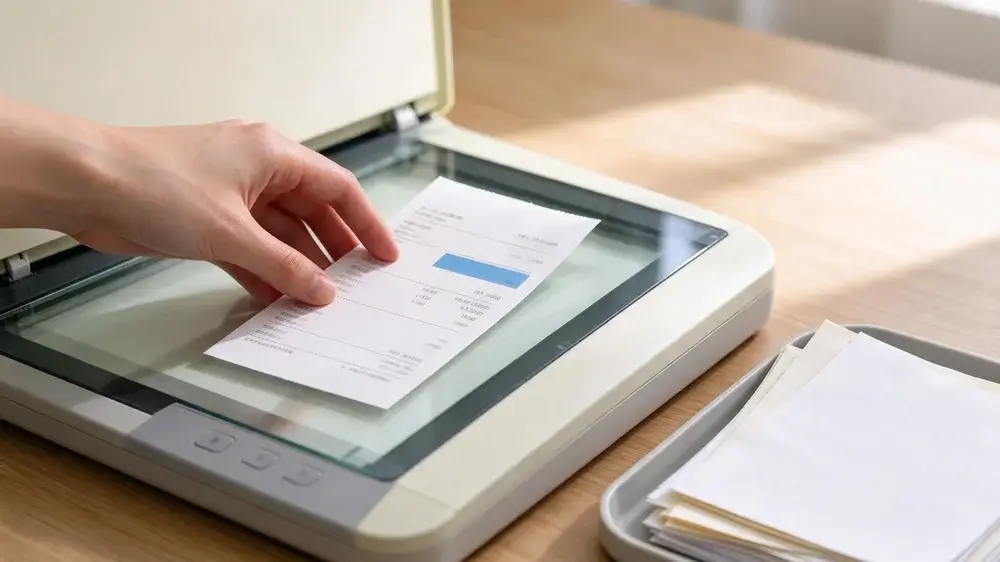
We confirm the business case, test the riskiest technical assumptions, and build the smallest version that is useful in production. Then we prepare your team to own and run it.
What you get
A process map that shows each step, owner, system, and delay, with the steps worth automating marked.
Automated workflows that connect your existing systems, with clear rules for when a person must step in.
AI document extraction with confidence scores, so uncertain cases go to a reviewer instead of being guessed.
A run log and dashboard showing volumes, time saved, errors, and cases handed to people.
Documentation and a handover session, so your team can maintain and change the workflows.
Automation or an AI agent?
Most business processes do not need an AI agent. If the steps are known and the rules are stable, a workflow is cheaper to run, faster, and easier to test, and its behavior is the same every time. We use AI inside such workflows for specific jobs, like reading an invoice or sorting an email, while the workflow decides what happens next.
An agent suits work where the next step depends on what the system finds along the way, and where the path cannot be written out in advance. That is a different design, with more controls around it.
In discovery we decide which approach each process needs, and we will recommend the simpler one when it is enough. If an agent is the right fit, see our agentic AI service.
Frequently asked questions
Which processes should we automate first?
Start with processes that are high in volume, follow clear rules, and cause visible delay or rework. A good first project is small enough to finish in weeks and easy to measure.
Do we need to replace our existing systems?
No. We connect the systems you already use through their APIs, or through RPA where a system has none. The aim is to remove manual hand-offs between them, not to replace them.
What happens when the automation meets a case it cannot handle?
It passes the case to a named person with the context already gathered. We design these exception paths first, because they decide whether staff trust the automation.
How do you measure whether it worked?
We record the process volume, handling time, error rate, and share of cases handled without a person before we start, and again after launch. The comparison shows what changed.